

- This event has passed.
✨ SOLD OUT: SketchUp Pro 2026 – Woodwork Bespoke Project
January 9 @ 9:00 am - 1:30 pm
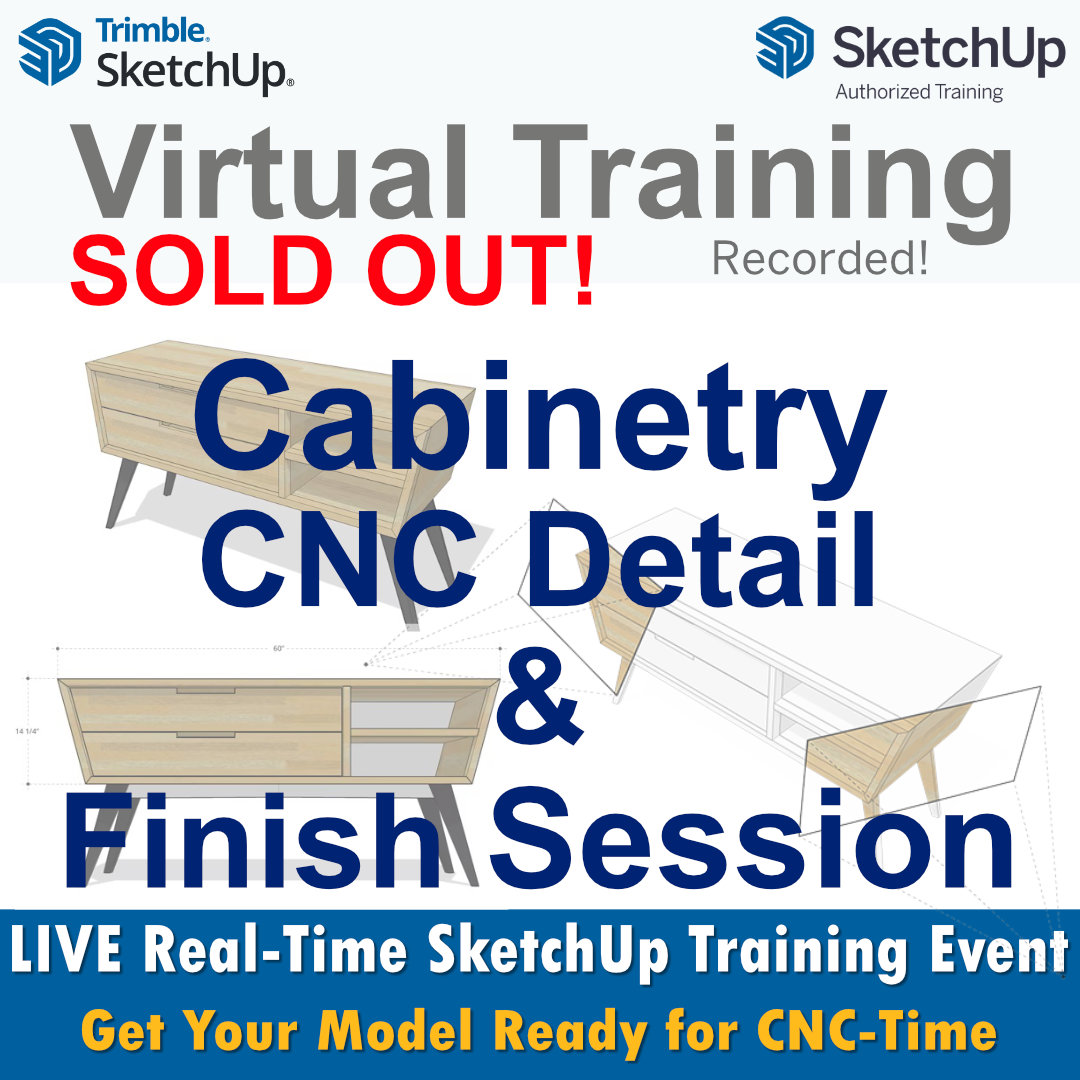
🧰 Cabinetry Modelling for CNC Decorative Finishing
📐 with LayOut + 🧾 ZWCAD Vector Workflow
This is a bespoke, real-project training session built around one thing: helping you create clean, controlled cabinetry models in SketchUp Pro 2026 that are suitable for CNC decorative finishing — with a workflow that stays accurate, editable, and calm under pressure. ✅
We’ll be working with SketchUp Pro 2026, supported by ZWCAD for checking and preparing CAD vector information, and LayOut for communicating details clearly when decisions need to be signed off or handed over. 🧠📄
This isn’t “tips and tricks.”
It’s a guided build of a cabinetry model, the way it should be built when downstream precision matters. 🎯
🛠️ What we’ll do in the session
We’ll take your cabinetry project (or a suitable example if needed) and move through a practical modelling process that keeps geometry dependable, structure sensible, and decorative details under control. 🧩
You’ll see how to turn CAD vector information into usable modelling drivers — without the usual pain of scale weirdness, messy imports, or geometry that behaves fine until it suddenly… doesn’t. 😅
The emphasis is on:
-
modelling with intent (so edits don’t unravel the project later) 🧱
-
keeping decorative detail elegant and manageable ✨
-
maintaining a clean path from CAD vectors → SketchUp modelling → clear documentation 📍
⚡ Why this matters
CNC work doesn’t forgive “nearly right.” 🫣
A model can look perfect on screen while quietly containing the kind of issues that cause:
-
slow performance and weird artefacts 🐌
-
lost time reworking detail ⏳
-
confusion when reviewing drawings and revisions 🤯
-
extra cleanup before fabrication workflows 🧹
This workshop is designed to prevent that — by building the model in a way that stays solid from the start. 🧱✅
🎁 Outcomes
By the end you’ll have:
-
a cabinetry model that’s structured, stable, and easy to modify 🧠
-
decorative detailing that’s driven cleanly and doesn’t turn into spaghetti 🍝❌
-
a reliable way to use CAD vector information without importing chaos 📐
-
clearer documentation and review outputs using LayOut where needed 🗂️
📌 Important note
This is focused on modelling, vector workflow, and documentation readiness — not machine-specific CAM programming or toolpath strategy. The goal is to ensure your geometry and vector inputs are in a far better state before that stage. ✅
🖥️ Format
-
Live training (1:1 or small group) 👥
-
Online delivery with recording available 🎥
-
Optional pre-session setup call to remove friction and get straight into the work 🚀
❌ Fully Booked. But…
If you want to be first in line when we announce the next CNC Cabinetry — SketchUp 2026 Woodwork Bespoke course, send your details now.
These sessions stay small, so we can work directly on your own projects (not generic demos) — and that’s exactly why they fill so quickly.
➡️ Next time, don’t just wish you were there — be in the room when it happens.
📅 Want in on the next session?
Email 📧 [email protected]