D5 Render 3.0 signals a shift away from that old world.
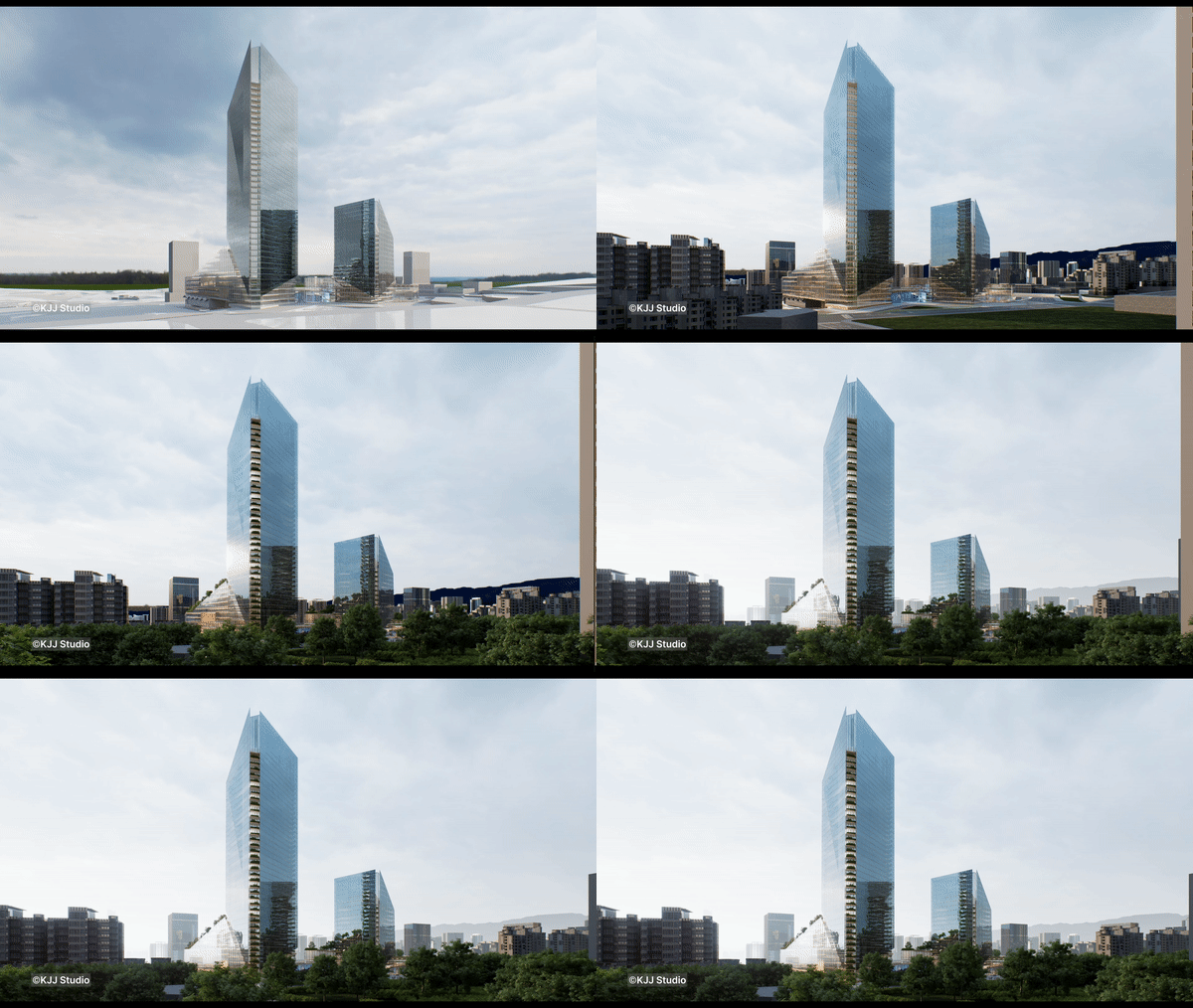
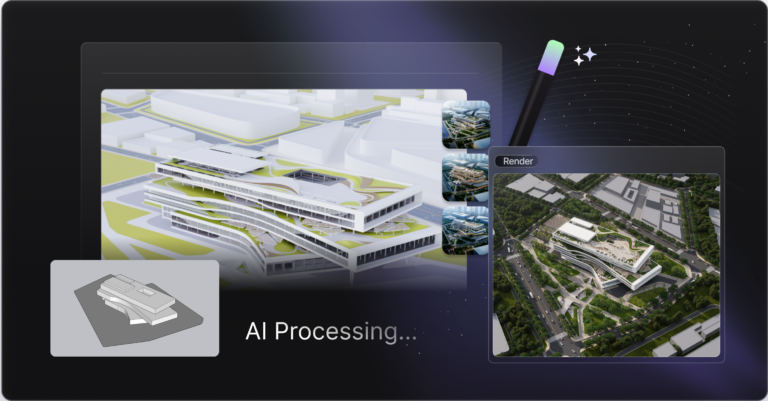
D5 is pushing visualisation as a continuous design layer — concept → iterate → present — with AI reducing the time sinks that normally break your flow. d5render
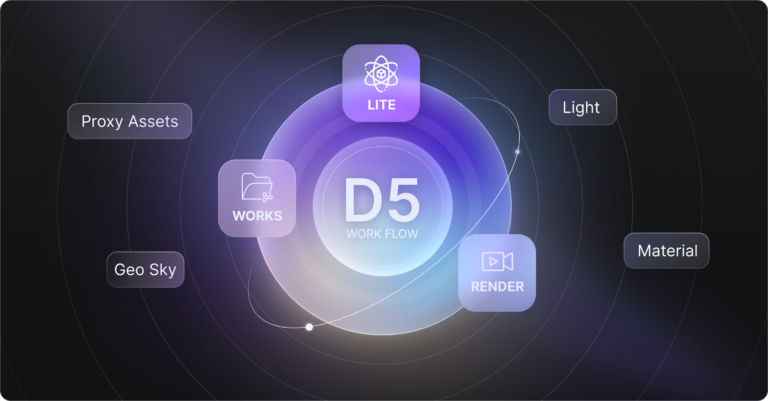
D5 frames this as a connected ecosystem:
D5 Lite (real-time + AI exploration inside the modelling workflow),
D5 Works(curated AEC-ready resources),
D5 Render 3.0 (high-end output + AI tools).
What’s new in D5 Render 3.0 (the bits you’ll actually notice)
AI tools aimed at speed and consistency – AI is here to save you time – Not to replace you
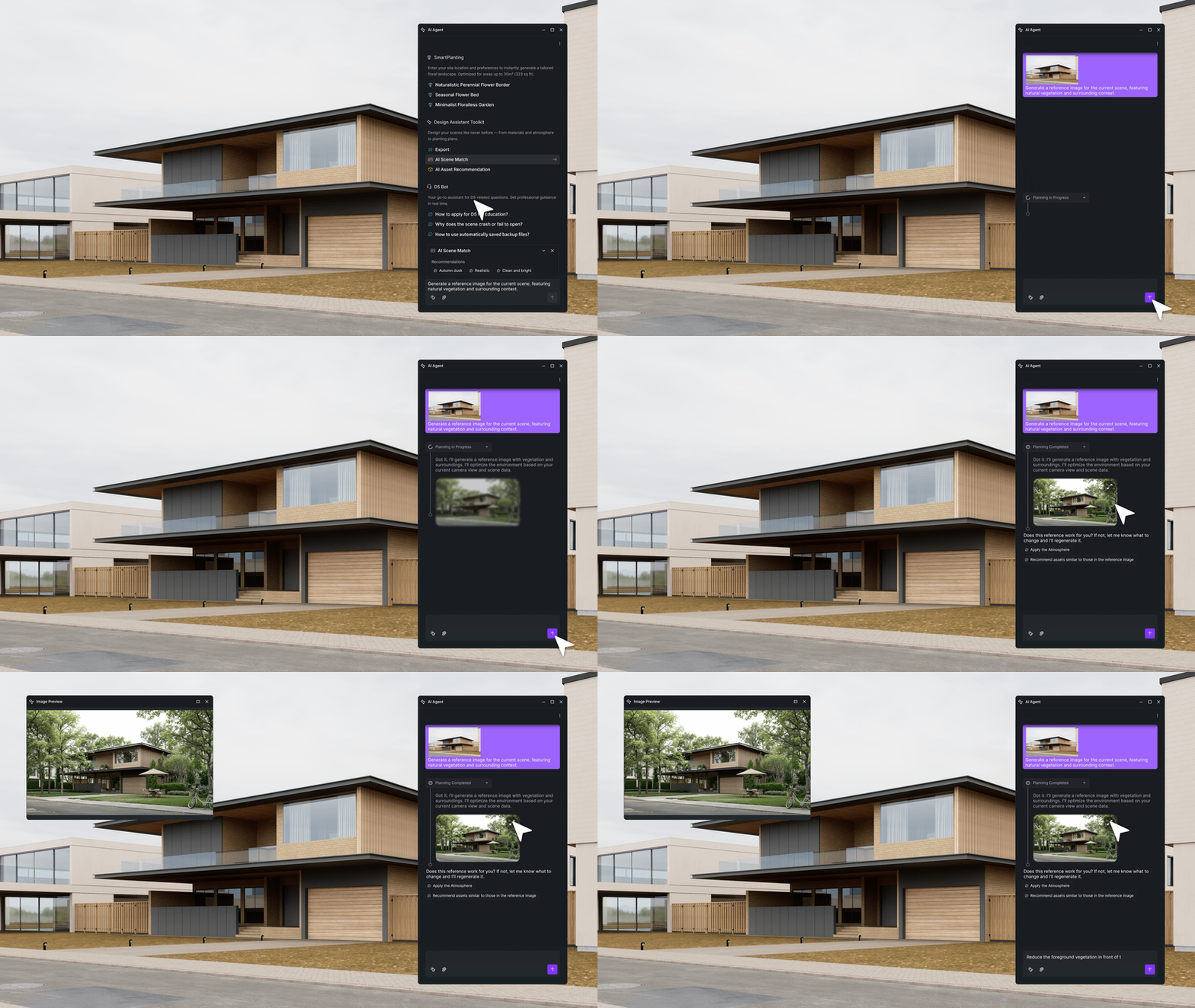
AI Scene Match: describe the mood (e.g., “autumn dusk”, “winter”), then D5 applies matching lighting + post-processing.
AI Asset Recommendation: find suitable scene assets faster using prompts or image references.
AI Image to 3D: generate 3D objects from reference images to speed up early iteration and scene population.
Environment realism upgrades
Ocean system with coastline transitions and wave effects
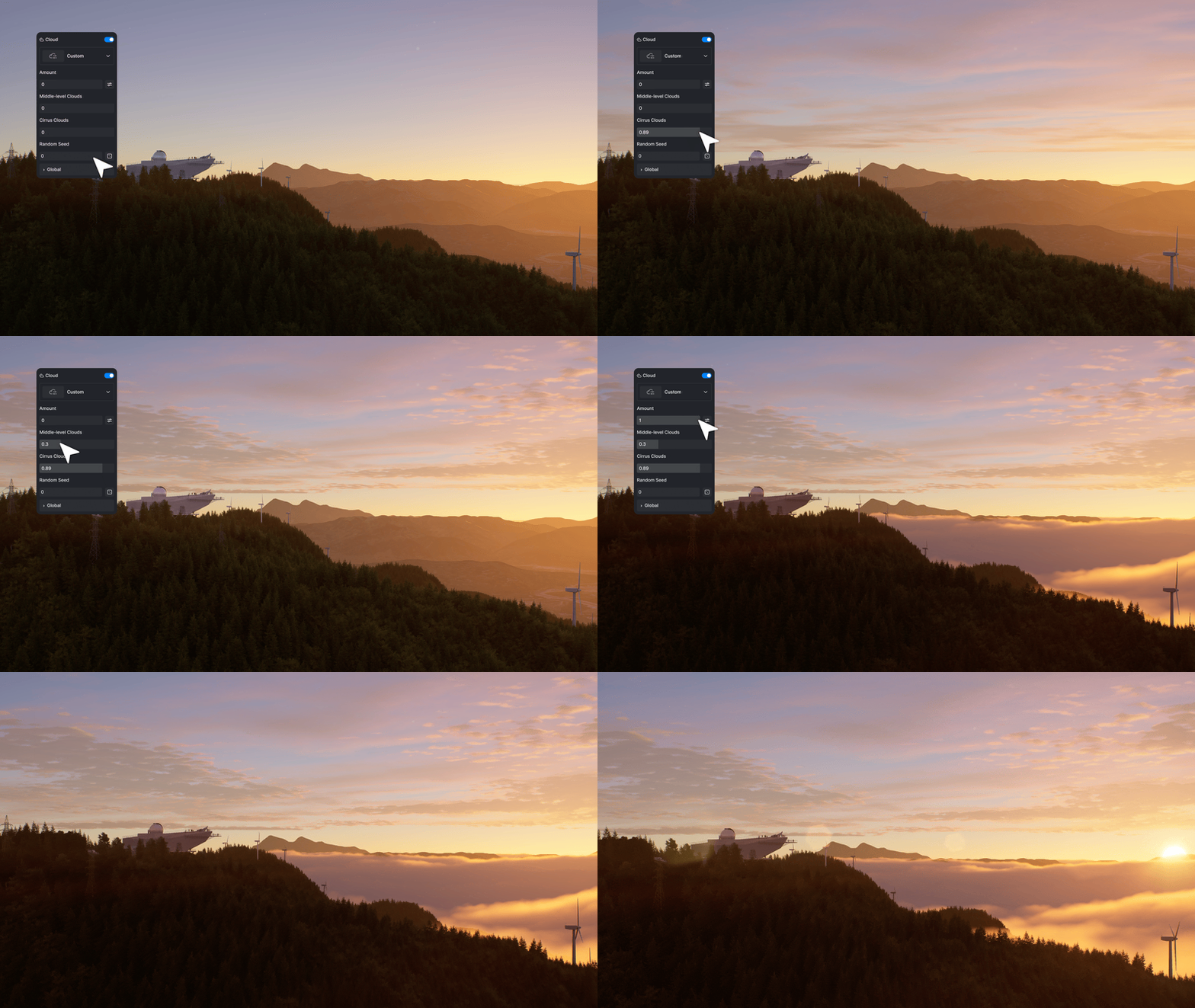
Volumetric clouds
Displacement material (beta)
Improved fog controls
These upgrades help scenes look believable faster — especially for exterior storytelling.
Presentation + context
D5 3.0 also leans into delivery tools like XR Tours and Cesium integration for geospatial context, supporting clearer stakeholder communication.
Why it matters for architects and designers
The market is moving from “prettiest render” to fastest, clearest decision-making:
quicker iteration
earlier client buy-in
less rework
more consistent results without relying on one “render wizard”
In other words: speed + clarity wins projects.
If you use SketchUp: the D5 Lite connection is the big deal
D5 Lite is designed to keep you visualising while you model, then sync to D5 Render for polished output — reducing the classic “export and restart everything” headache.
Want help implementing it properly?
If you want D5 3.0 to genuinely save time (not become “another tool we bought”), we can help you set up a reliable workflow:
SketchUp → D5 pipeline setup
scene optimisation + speed best practices
studio standards for consistent output
fast-track coaching for individuals or teams
Contact SEEIT3D for D5 Render Pro & TEAMS pricing and any other questions –