Visualize as you design.
Iterate with AI.
See your ideas take shape in real time — no exports, no context switching.
The plugin that flows with you, from first massing to refined concept.
Stay in your design tool
Stay in your flow
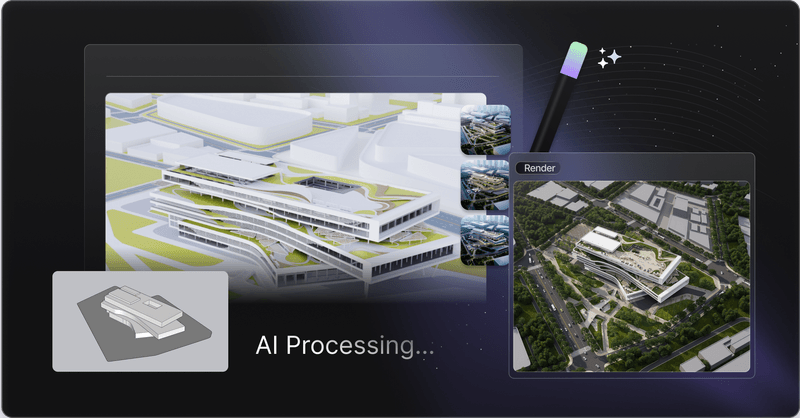
D5 Lite is embedded directly where you already work. Design, render, and iterate with AI in one seamless interface — no waiting, no breaking away. When you’re ready for the final polish, sync your entire project to D5 Render with one click.
Describe it
AI shows you options
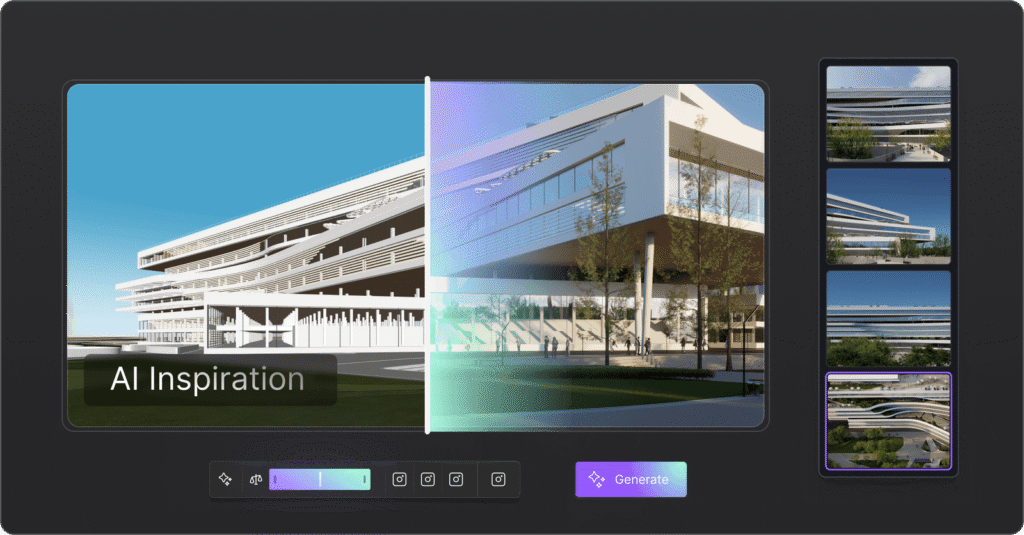
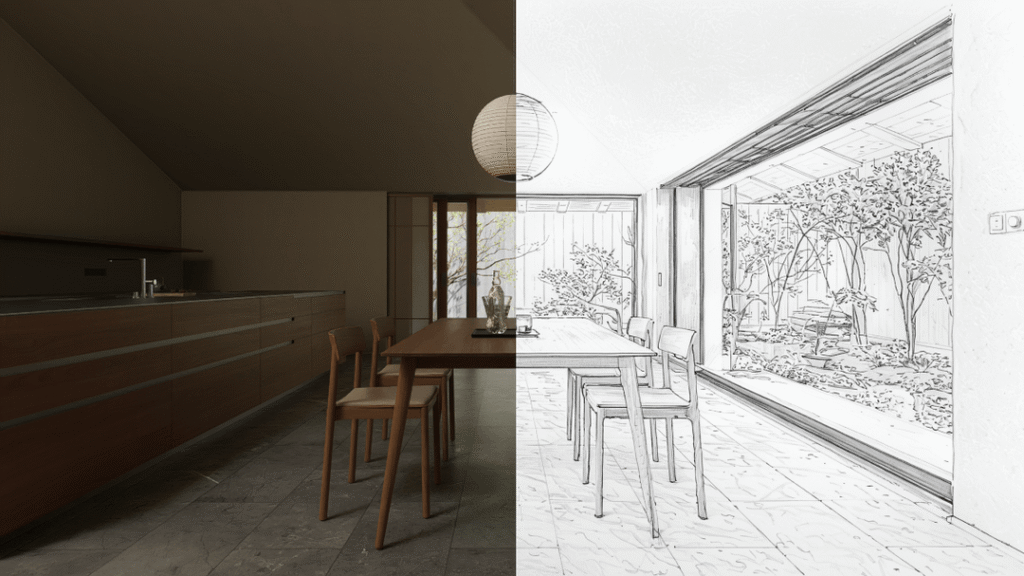
Type your intent. AI generates styled visuals — architecture, interior, landscape — based on the model you’re already building.
Explore directions
Generate up to 4 distinct options per run to compare styles instantly.
Never lose an idea
Full version history. Quick re-runs. Every direction saved.
Accelerate decisions
Skip the feedback loops. Validate concepts faster with clear visuals.
Real enough to decide
Fast enough to explore
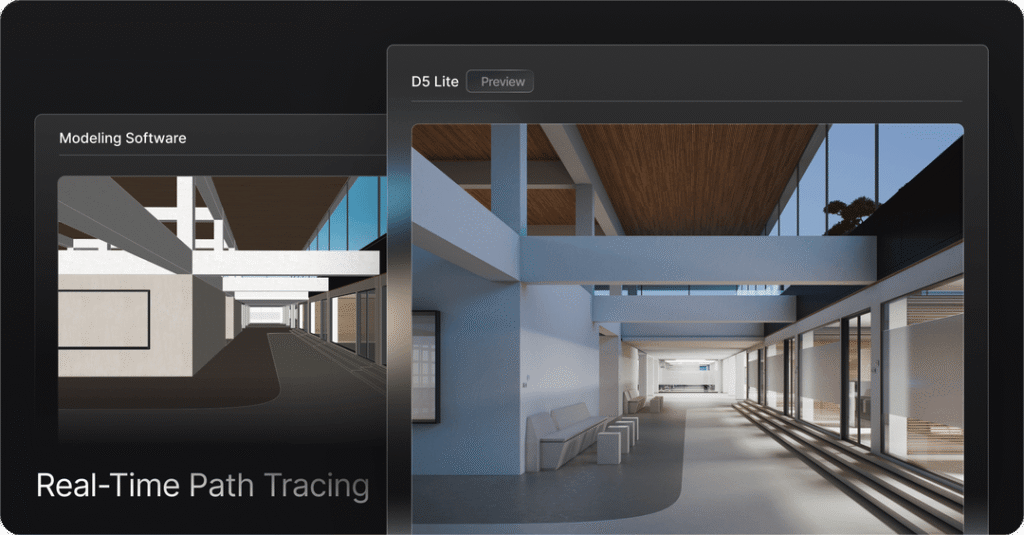
See materials, lighting, and space accurately—while you’re still iterating.
No guessing, no waiting for final renders to validate your direction.
Real-time path tracing
Quality you can trust for design decisions.
Proxy assets
Lightweight while you edit. Full detail when you render.
Powered by D5 Engine
Skip the feedback loops. Validate concepts faster with clear visuals.
One workflow
Always connected
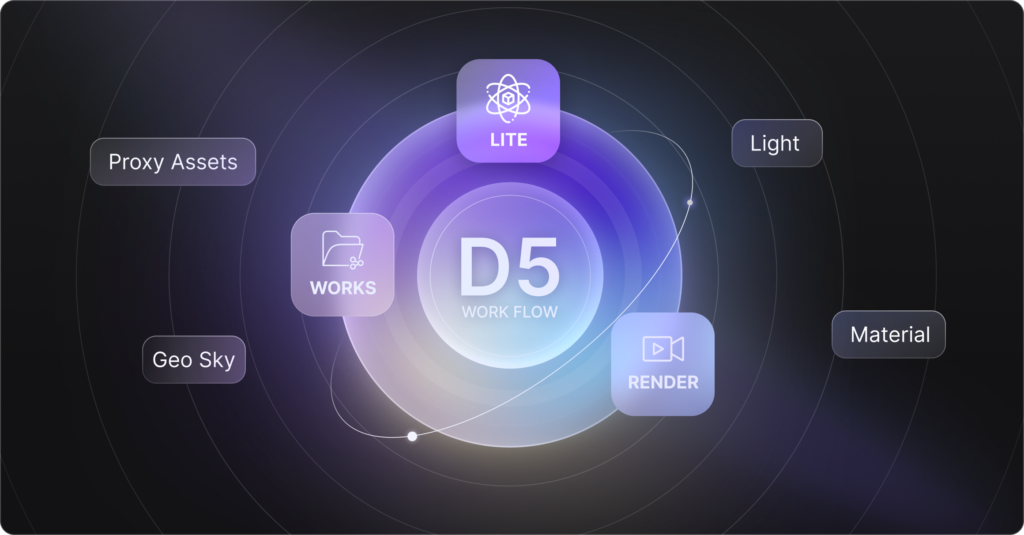
Forget about managing loose files. All your render settings and assets live directly inside your model. With a unified D5 account and shared asset library, your workflow is seamless across D5 Lite, Render, and Works.
No breaks. No rebuilds. Keep modeling, keep visualizing.
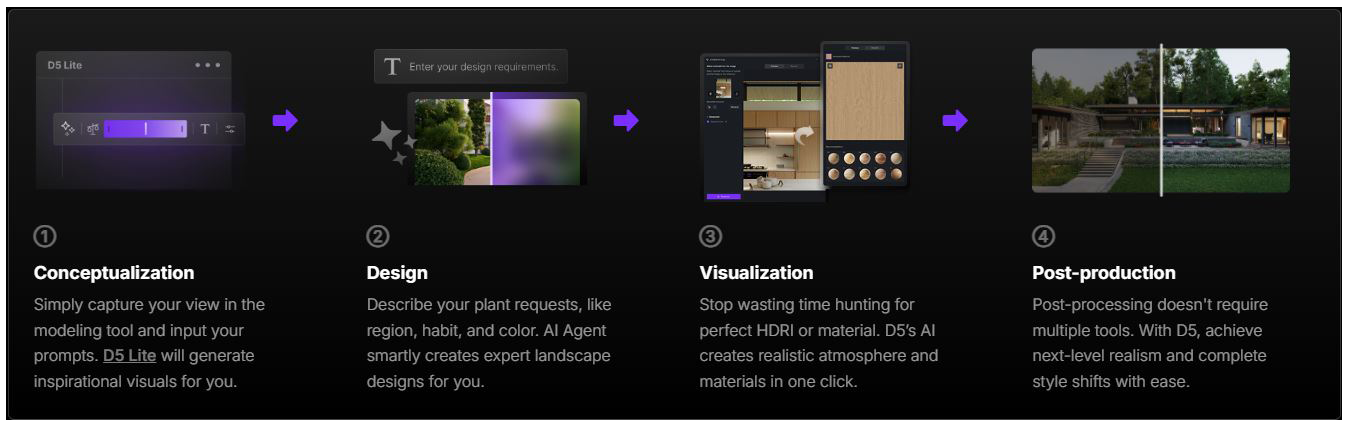
AI Across the D5 Lite Design Workflow
From early concepts to refined visuals, D5 AI helps you explore options, speed up iteration, and reduce manual work — without interrupting your creative process.
Core AI Capabilities
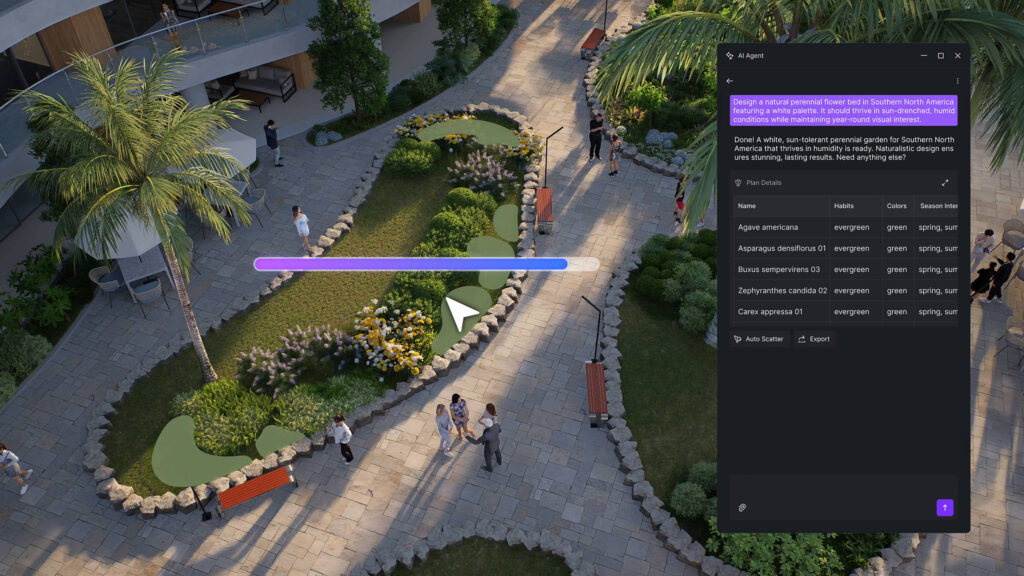
AI Agent
Smart Planting and Perfectly Matched Scenes
with AI Lending a Hand
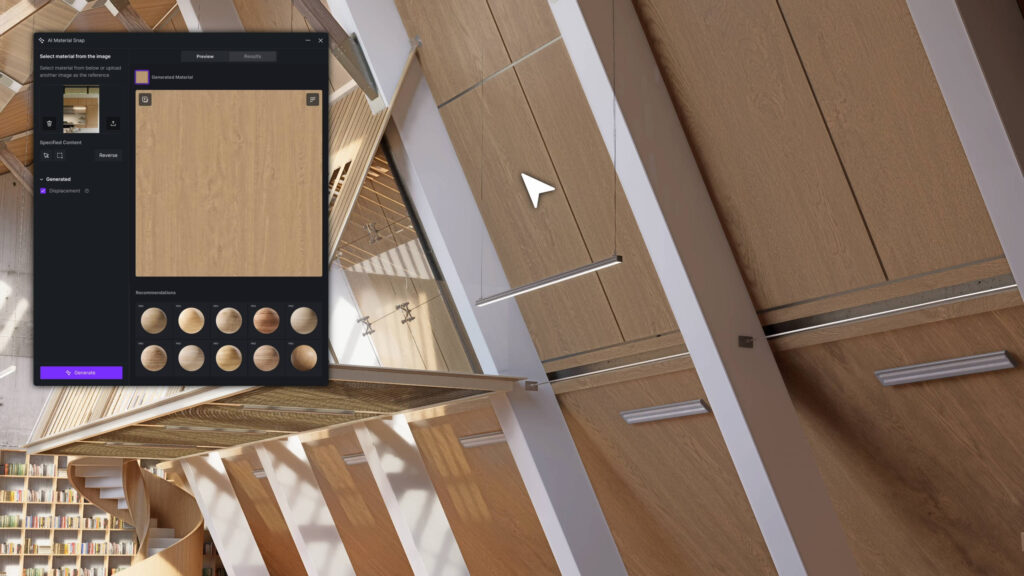
AI PBR Material Snap
Auto-creation of your desired materials
from a reference image
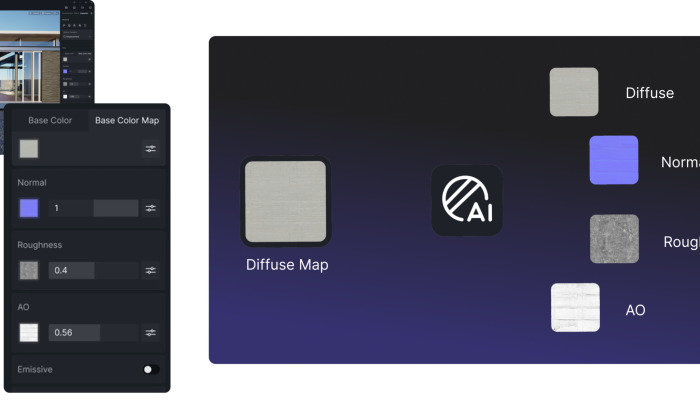
AI-generated Material Texture Maps
One to Many Effortless Texturing
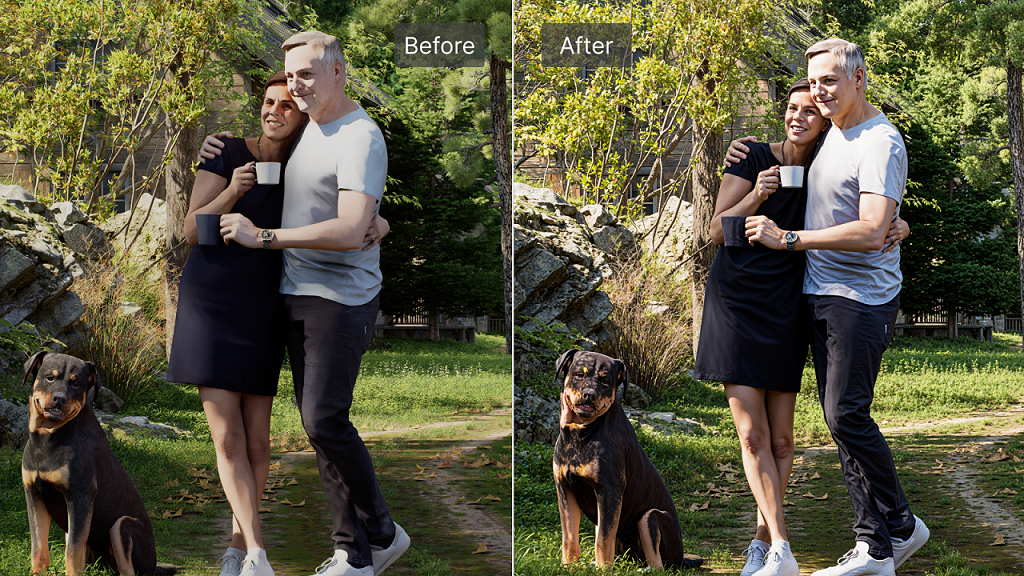
AI Enhancer
Enhanced Realism
by Smart Auto Post-production
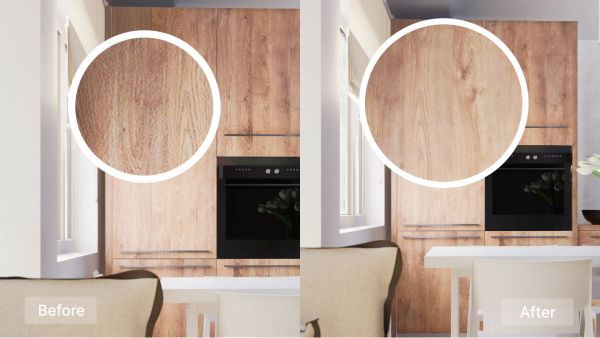
Make Seamless
Pieces to Seamless
In a Snap
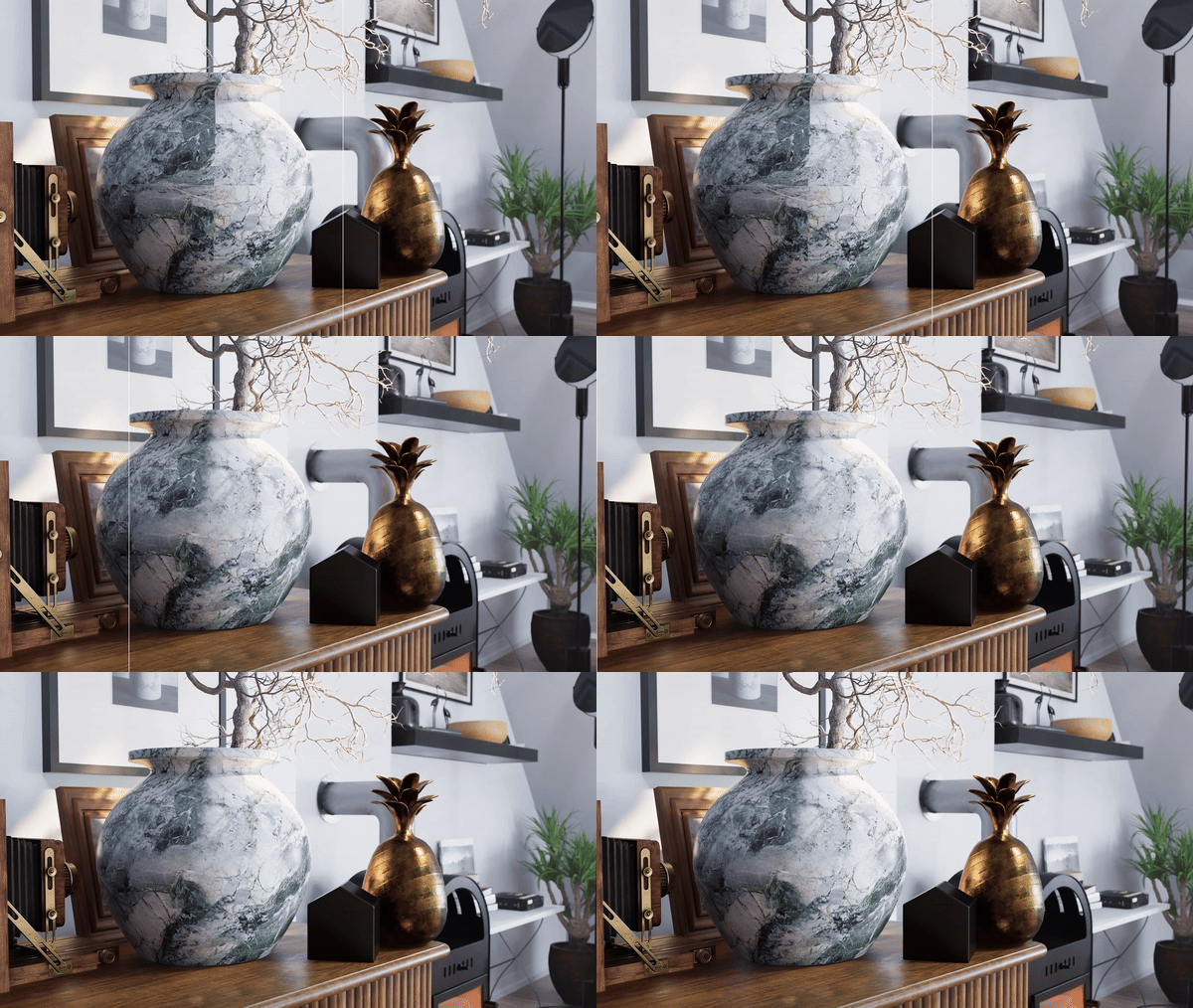
Ultra HD Texture
Low-res to 4K
Noise-free Perfection
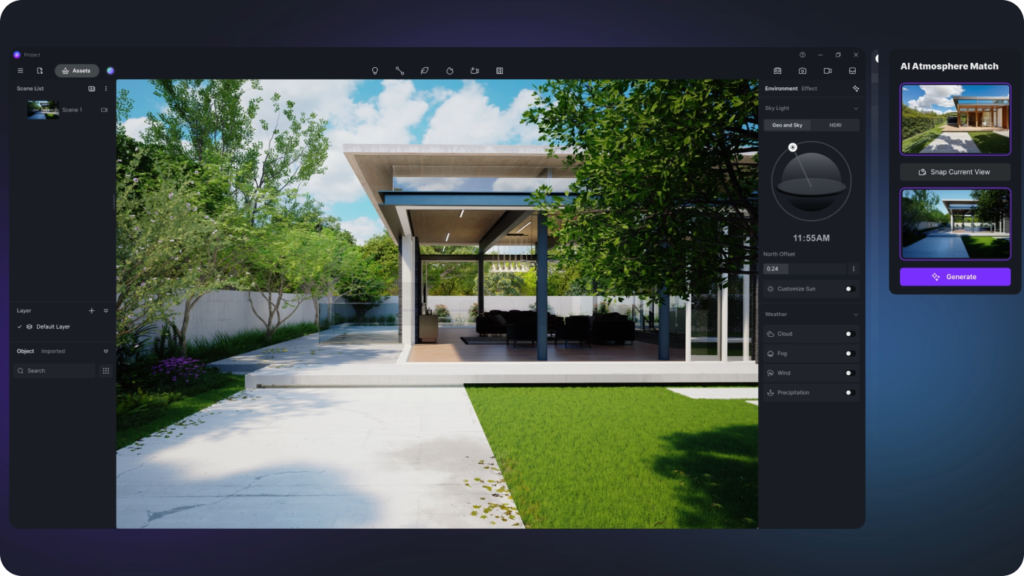
AI Atmosphere Match
Image to Environment
In a Blink
AI Style Transfer
Model of Various Styles
With a Touch
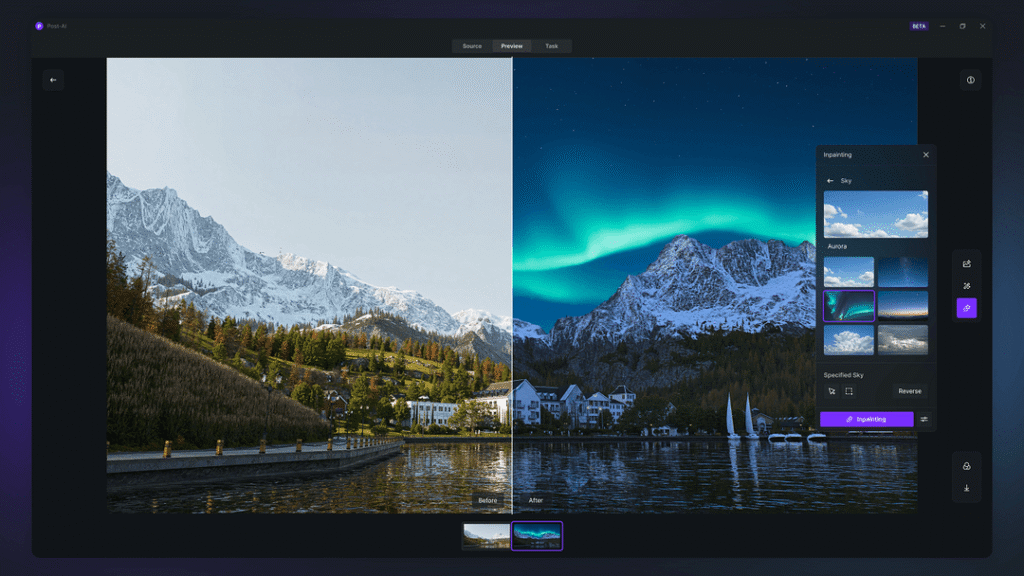
AI Inpainting
Inpaint sky, water, or vegetation
In a Click
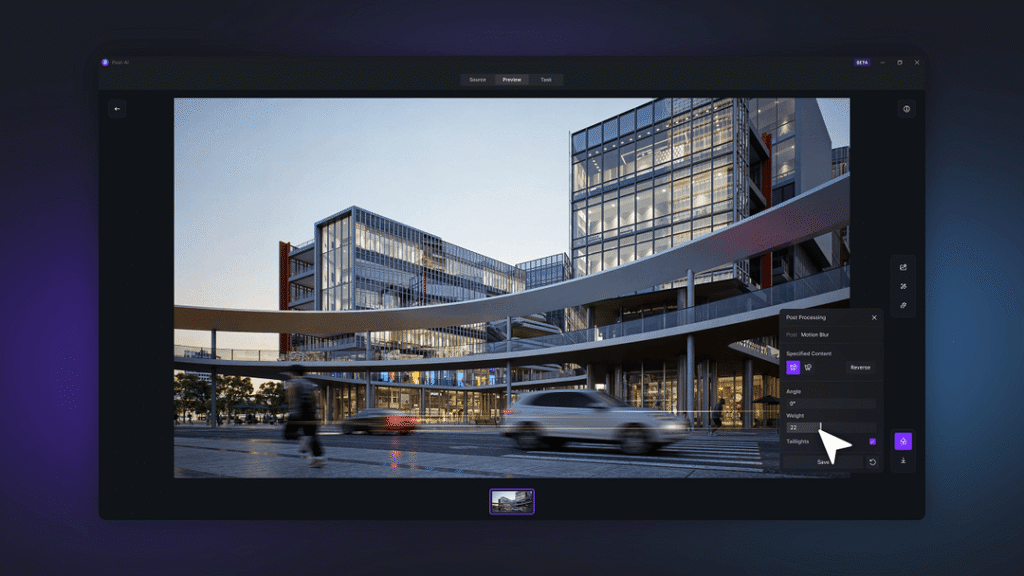
Motion Blur
Motion Blur Made Easy
with AI
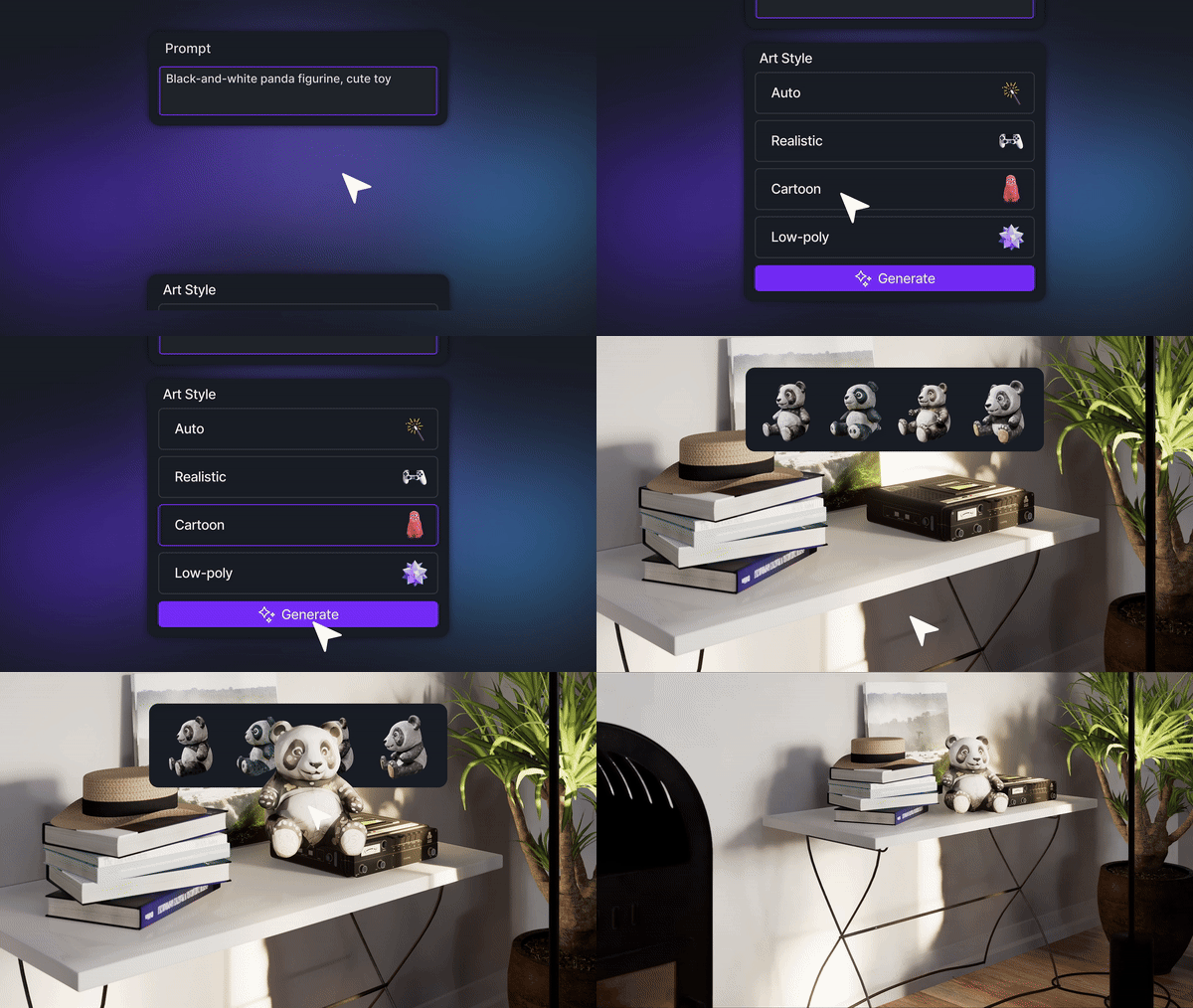
AI Model Generation
Text or Images in
3D Models out
Real-Time Rendering That Helps You Decide Faster
01
See lighting, materials, and camera changes instantly as you design.
02
Reduce re-renders and long feedback loops with live visualization.
03
Make confident design decisions earlier in the workflow.
One Workflow. Always Connected.
Start with D5 Render Lite for early-stage visualization, then seamlessly move into D5 Render for advanced visuals and production — without losing assets, settings, or context.
Ready to Design Smarter with AI?
For Latest Spac. Requirements